Bouncing Bunny Animation + Breakdown (2022)
The main goal of this project was to re-learn the basics of 2D animation. Its primary focuses in terms of the 12 principles of animation were squash and stretch, pose to pose, and arcs. Shape morphing/manual tweening, linear motion and character design were also important. The entire project was executed in several parts, following online tutorials by 'Tiptut'.
Tutorial link: https://www.youtube.com/watch?v=6PNaj2s2LoY&list=PLmxcIrCbCbSjcG8Qw_cSF9lVZrF1-X56_&index=1

Bouncing Bunny (Final Animation)

I animated a simple bouncing ball starting with three key frames (start, middle and end poses) before tweening. I imagined the weight of the ball and incorporated some squash and stretch. The red dot was a marker for the placement of the head.

I then added limbs to the bouncing ball and due to the rotation of the body, they follow a natural arc. I also added eye markers to the head so that it would be easier for me to see where the character's face is.

I cleaned up the lines and added extra physical traits to the character to make it look like a bunny before colouring it in.

The background was made in Photoshop using a round brush and a custom tree brush.

For the foreground, the grass was exported as a separate file. Once it was added into the scene, I used a simple motion tween between the same picture off-screen but on opposite sides, ensuring the first and last frames were the same.

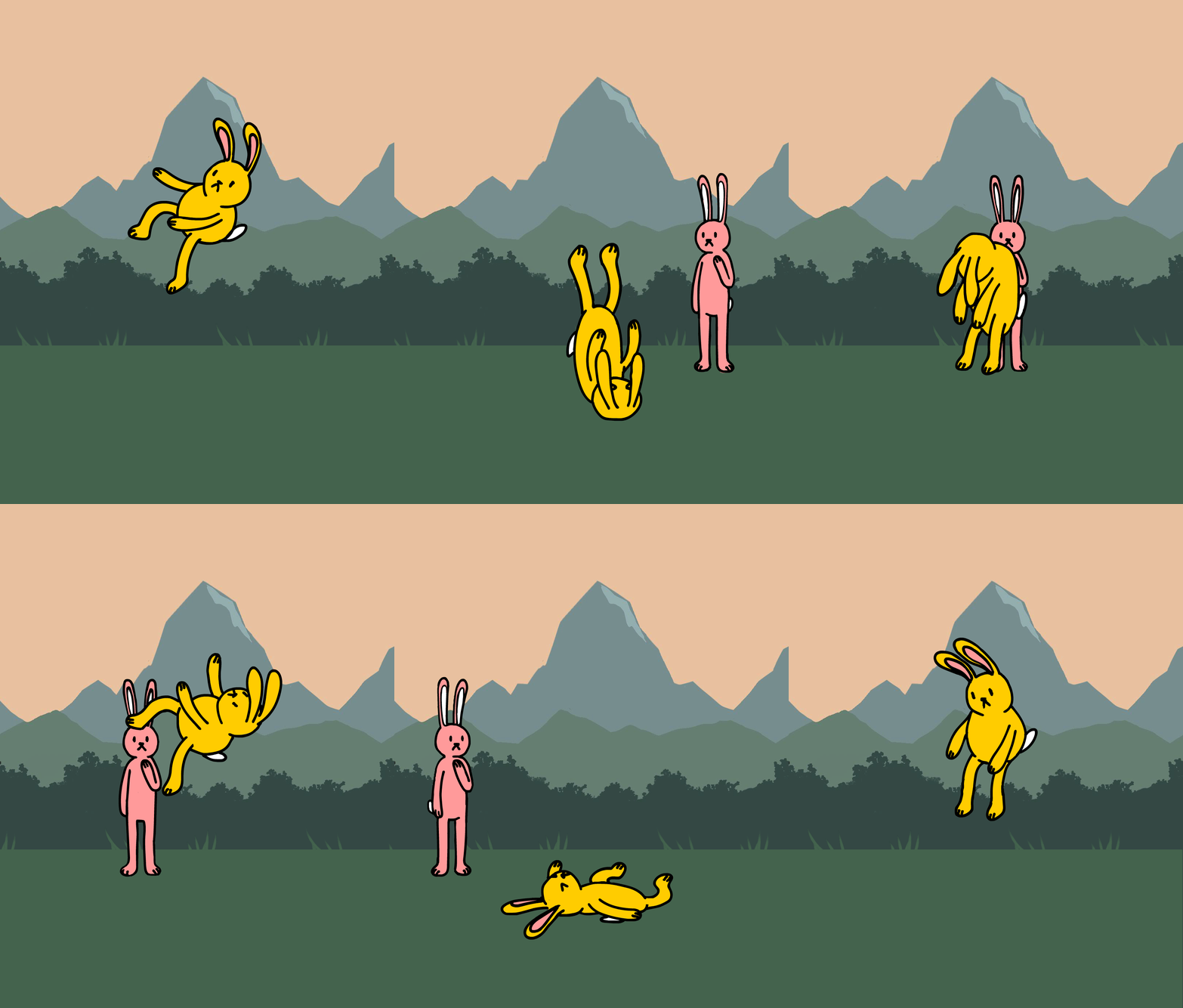
I then drew a background character to look at the main character with concern. The three drawings show three separate frames. The first and third frames were mirrored for simplicity.
The background character is a graphic symbol and has 'Single Loop' selected in its properties. In the scene, the 'Frame Picker' window was used to pick out the separate frames in the timeline.

I then animated the sun shape-morphing into a triangle. The tweening was done manually for a more natural and dynamic flow. My signature consisted of several frame redraws to create that flickering effect.